Load an image
Open an image in your browser and place pins on game maps, facility maps, event floor plans, or any other reference image.
Local-first map editor
Add pins and comments to a local image, then export a clean image for game maps, facility guides, event plans, and visual notes.
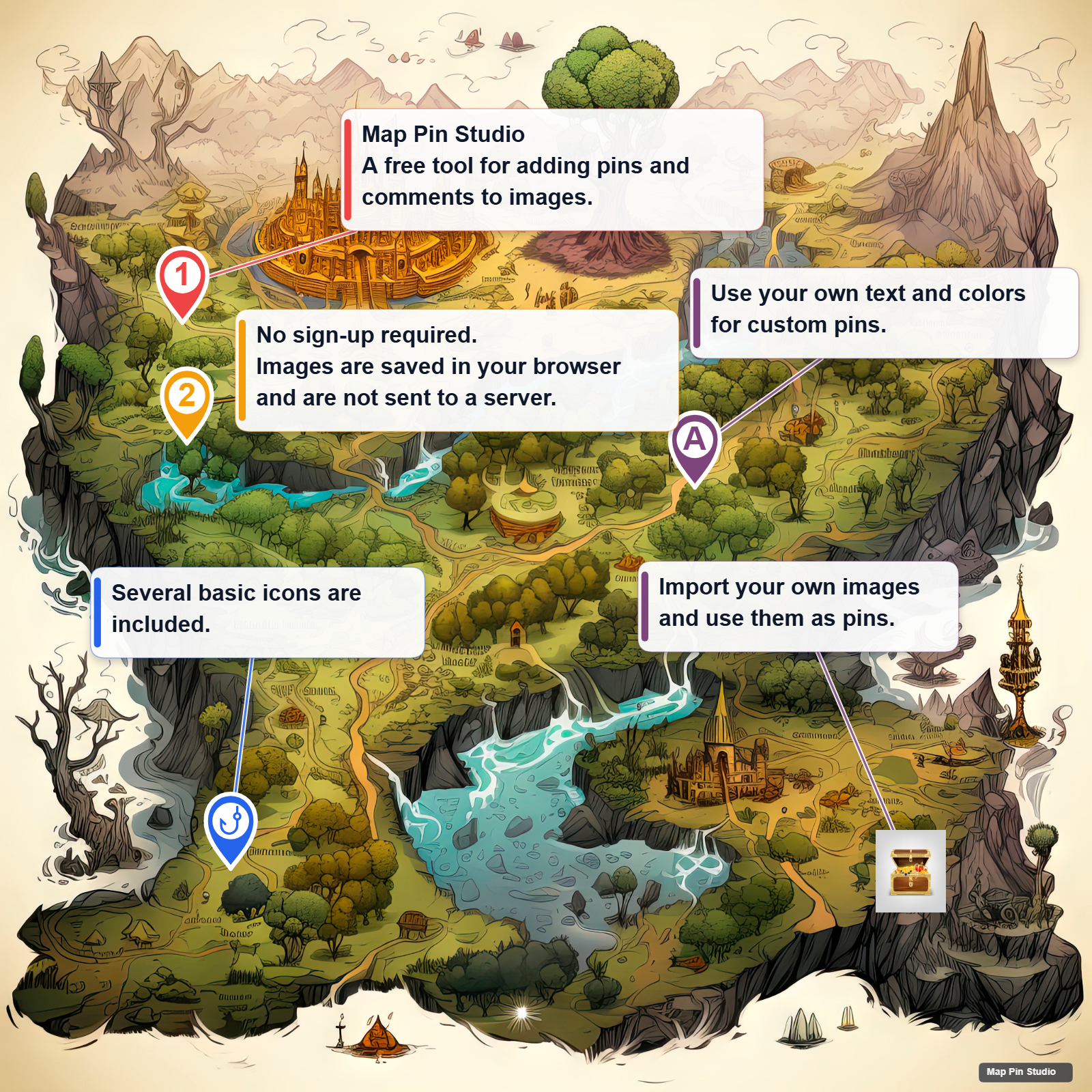
Open an image in your browser and place pins on game maps, facility maps, event floor plans, or any other reference image.
Connect each pin to a comment with a line, then move the comment label by hand when you need a cleaner layout.
Export the placed pins and comments as a PNG image for sharing on social media, chat, or notes.
Map Pin Studio supports PWA installation. In plain terms, you can add it to your phone home screen or your PC app list and open it without searching for the browser tab.
You can send a message with support through OFUSE. Bugs and feature requests can be sent on X.